Member Invitation
This page was machine-translated. The Japanese page is the official version.
Actcast lets you invite users to a group with the Invitation feature. Only members with the Admin managed role can send invitations.
Invitation flow
Admin members send invitation emails
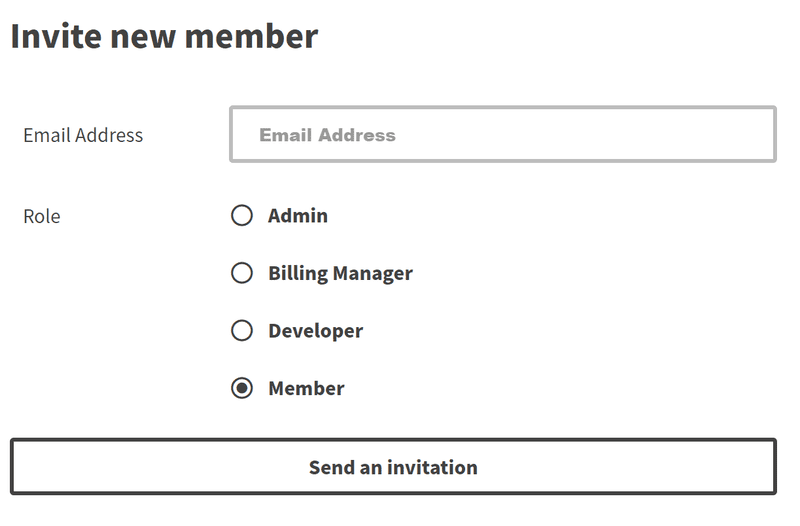
Select Members from the side menu and click Invite.

Enter the email address of the user you want to invite and select the role to assign. Click Send Invitation to send the invitation email.
Invitation emails are valid for 7 days. If an invitation expires, send a new one.
Users join the group
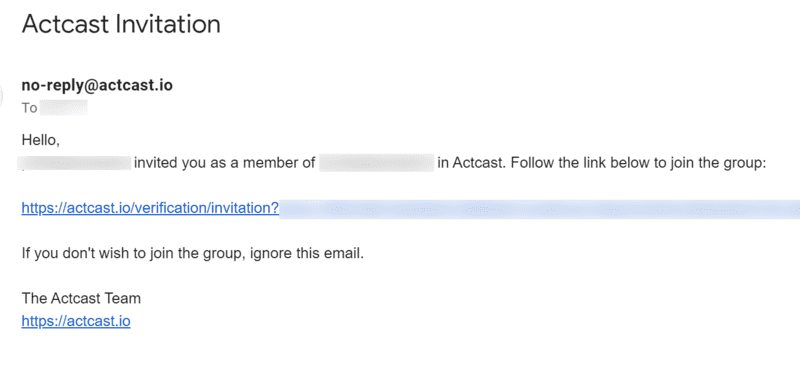
Open the invitation email and follow the link in a browser.
Email address already registered with Actcast
If the email address is already registered with Actcast, you will be prompted to log in.
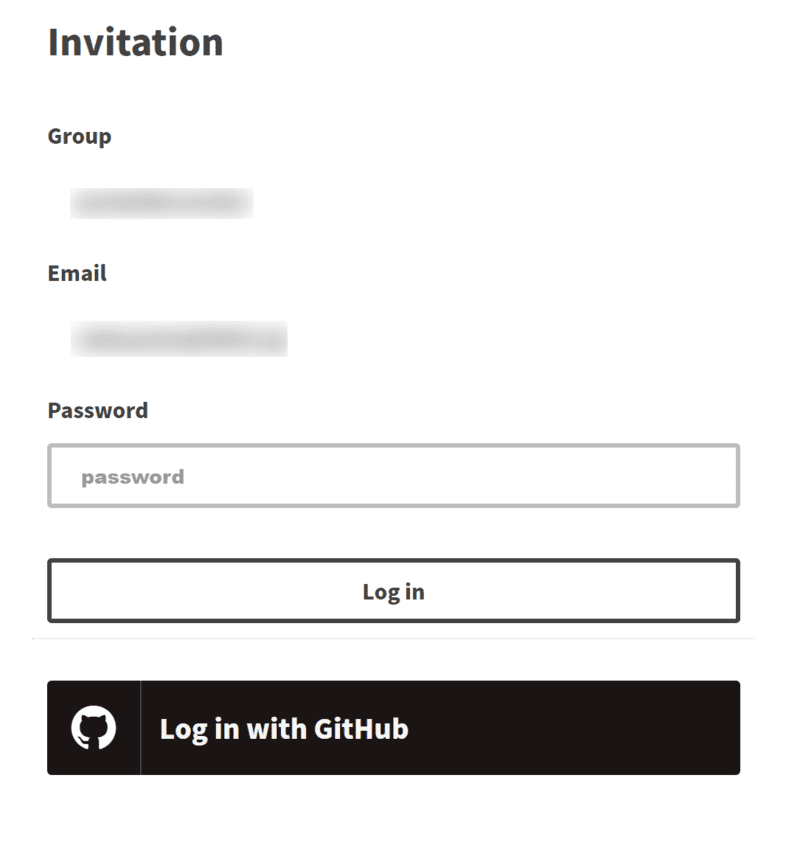
After logging in, review the group information and click Join as "USERNAME".
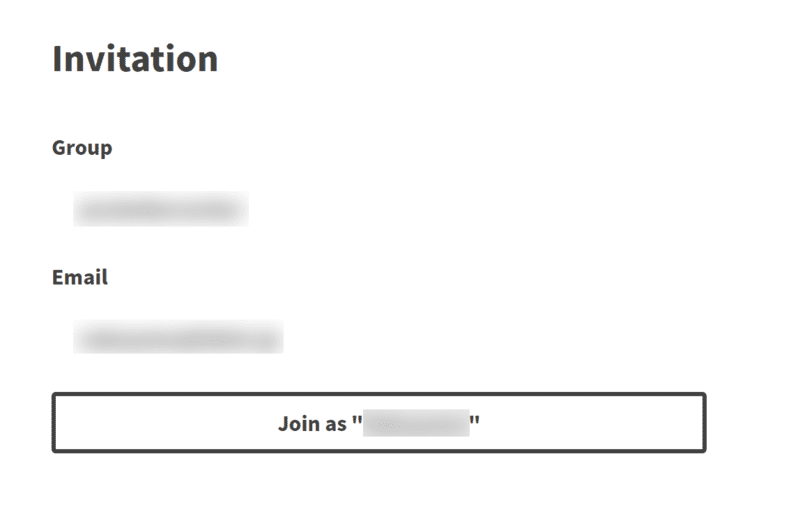
Email address not registered with Actcast
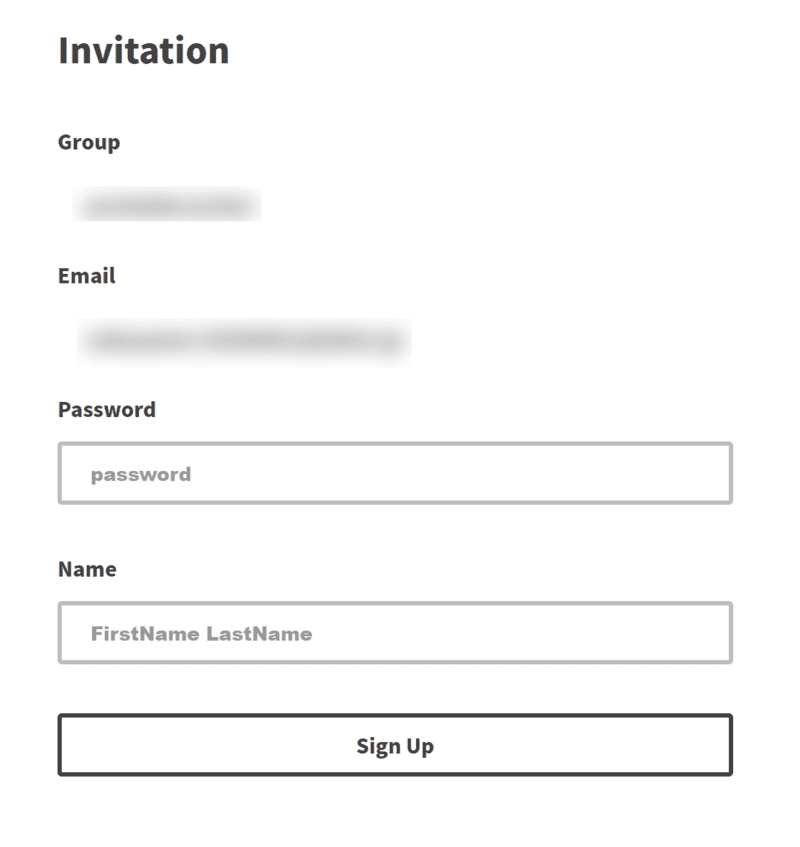
If the email address is not registered with Actcast, you can sign up and join the group at the same time. Enter a username and password, then click Sign Up.