System Cast
System Cast
System Cast is a function that can notify events that occurred in your group via Webhook, etc.
How to use
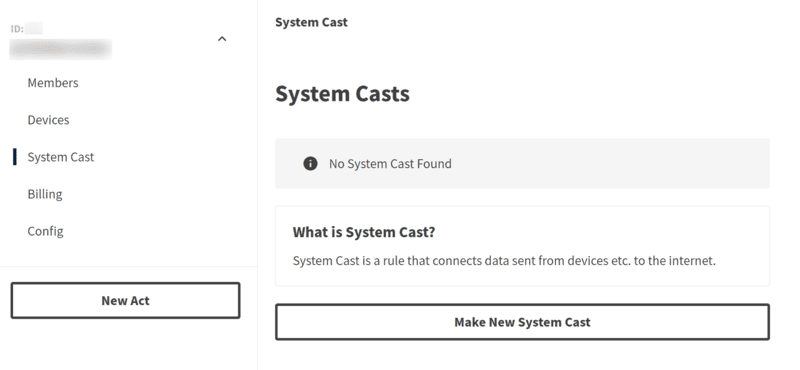
Select System Cast from the side menu and click Make New System Cast.
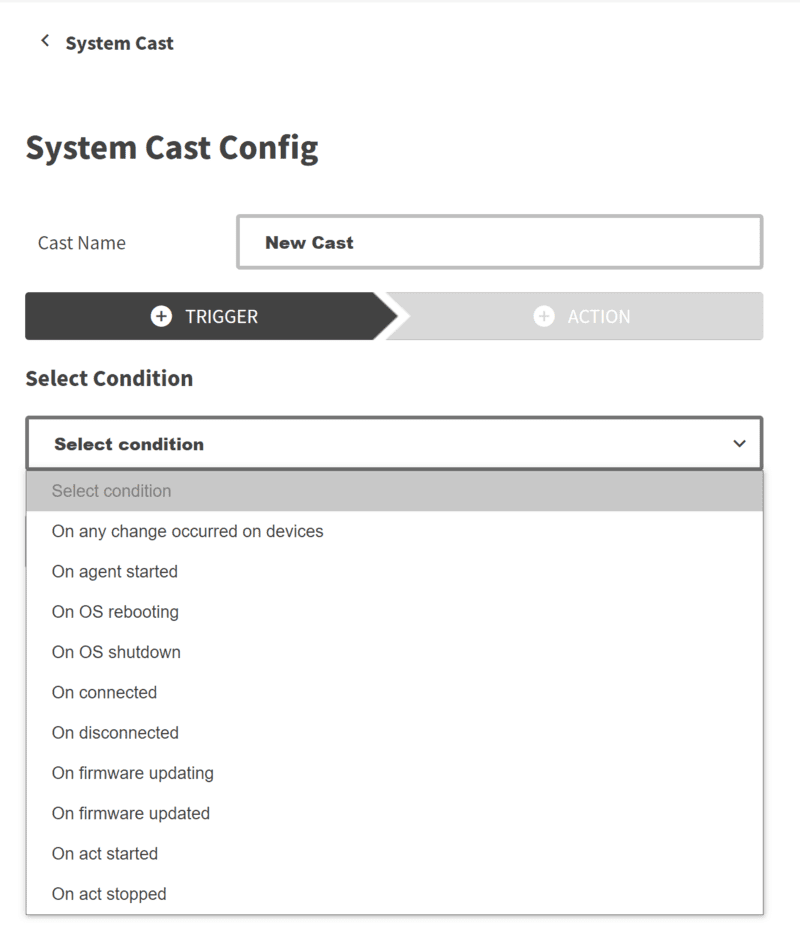
After changing the Cast name, specify the conditions for notification in the trigger.
Then click Configure Action to set the action.
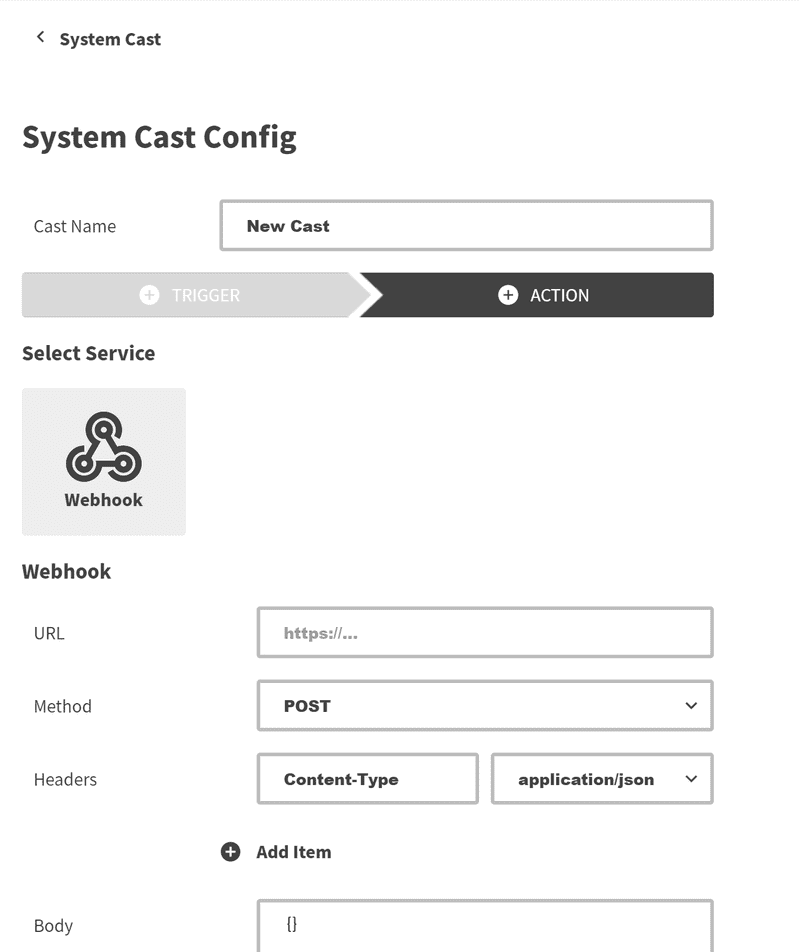
Click Finish to create the System Cast.
Trigger
You can specify the following conditions:
On any change occurred on devices: When any change occurs on the deviceOn agent started: When Actcast Agent startsOn OS rebooting: When the device OS rebootsOn OS shutdown: When the device OS shuts downOn connected: When the device connects to ActcastOn disconnected: When the device disconnects from ActcastOn firmware Updating: When the Actcast Agent starts updatingOn firmware Updated: When the Actcast Agent update is completeOn act started: When Act startsOn act stopped: When Act stops
Action
Actions similar to those in Cast are available.
Last updated on