Set up Multi-Factor Authentication
Set up Multi-Factor Authentication
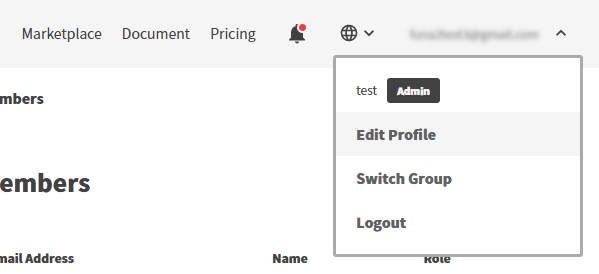
To enable Multi-Factor Authentication, click on your account name in the upper right corner of the screen and click Edit Profile.
Click the Enable MFA button.
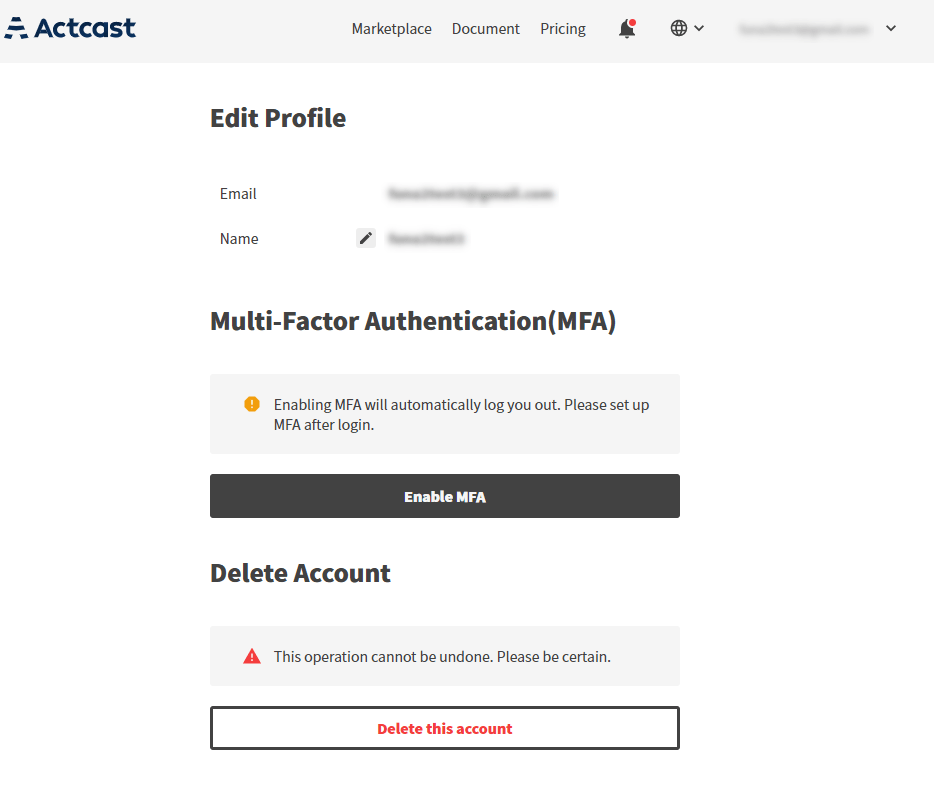
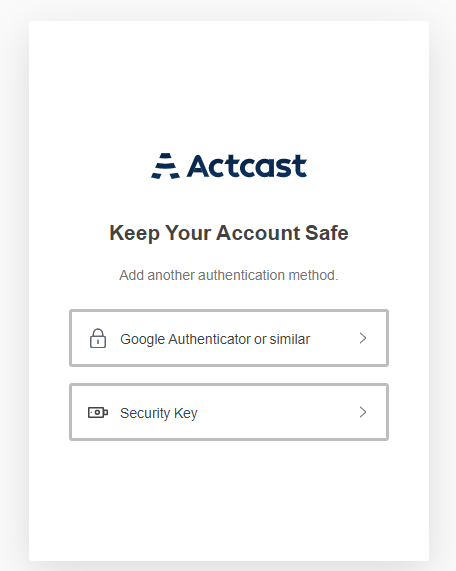
You will be automatically logged out, so log in again and select the MFA method you want to use.
In the following, we will only explain the case of using a 2-step verification application.
In this case, select Google Authenticator or similar.
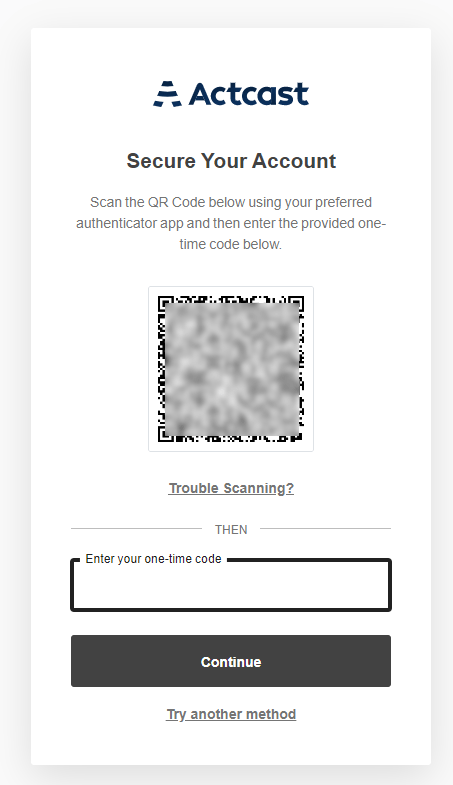
Capture the displayed QR code with your 2-step verification app, enter the one-time code, and click the Continue button.
Once the setup is complete, you will be redirected to the dashboard.
Next: Set up devices
Previous: Sign Up
Last updated on