Create Group
Create Group
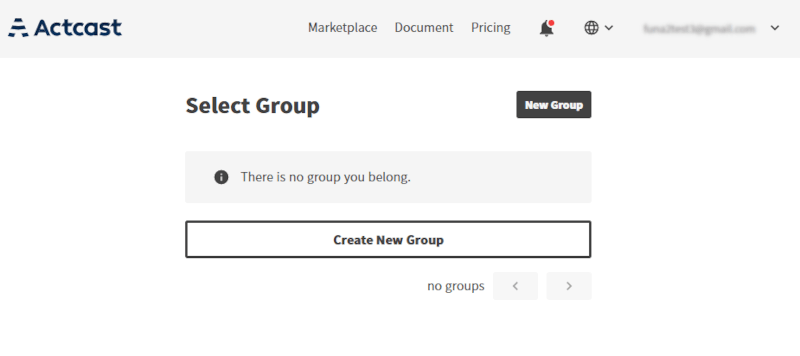
In Actcast, any device has to be managed by the group which the user belongs to. Create a group first, as no group exists immediately after sign-up
To create a new group, click on the New Group button or Create New Group button on the Select Group page.
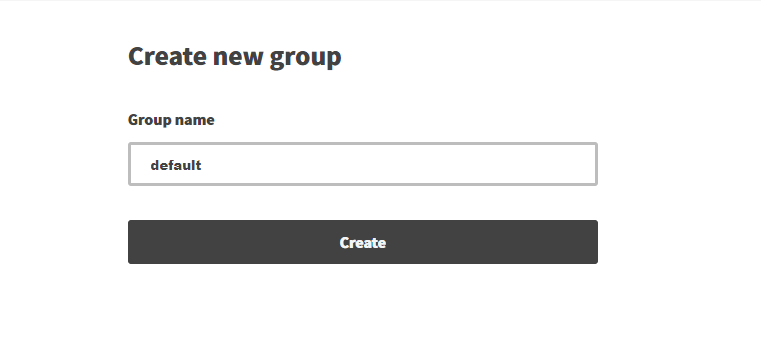
Input your group name and click on the Create button on the Create new group page.
Once the step is complete, you will be redirected to the Select Group page.
Next: Set up devices
Previous: Sign Up
Last updated on