Device Log
They are detailed execution logs inside the device. You can AND search for words by specifying a time interval. Device logs are useful for determining whether the device agent is running properly. The time represents when the log was sent within the device.
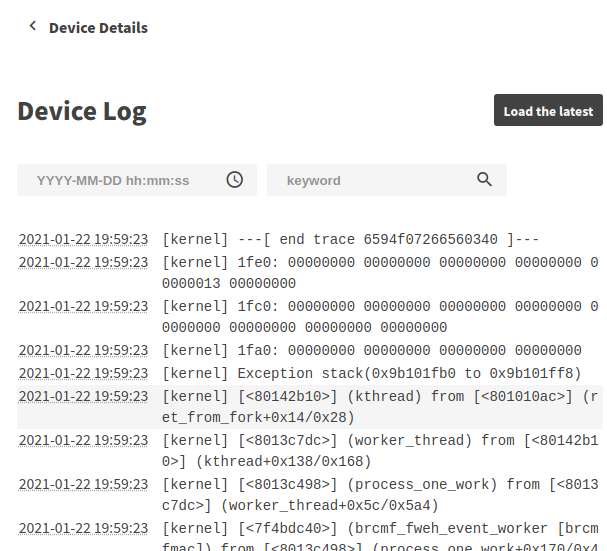
It also shows the app’s error logs and the logs that the app writes to stderr.
Error logs from the app begin with the format [AppId(<App ID>)/ActId(<Act ID>)] as follows.

重要
Contents of the DeviceLog are subject to change without notice.
Check Device Logs
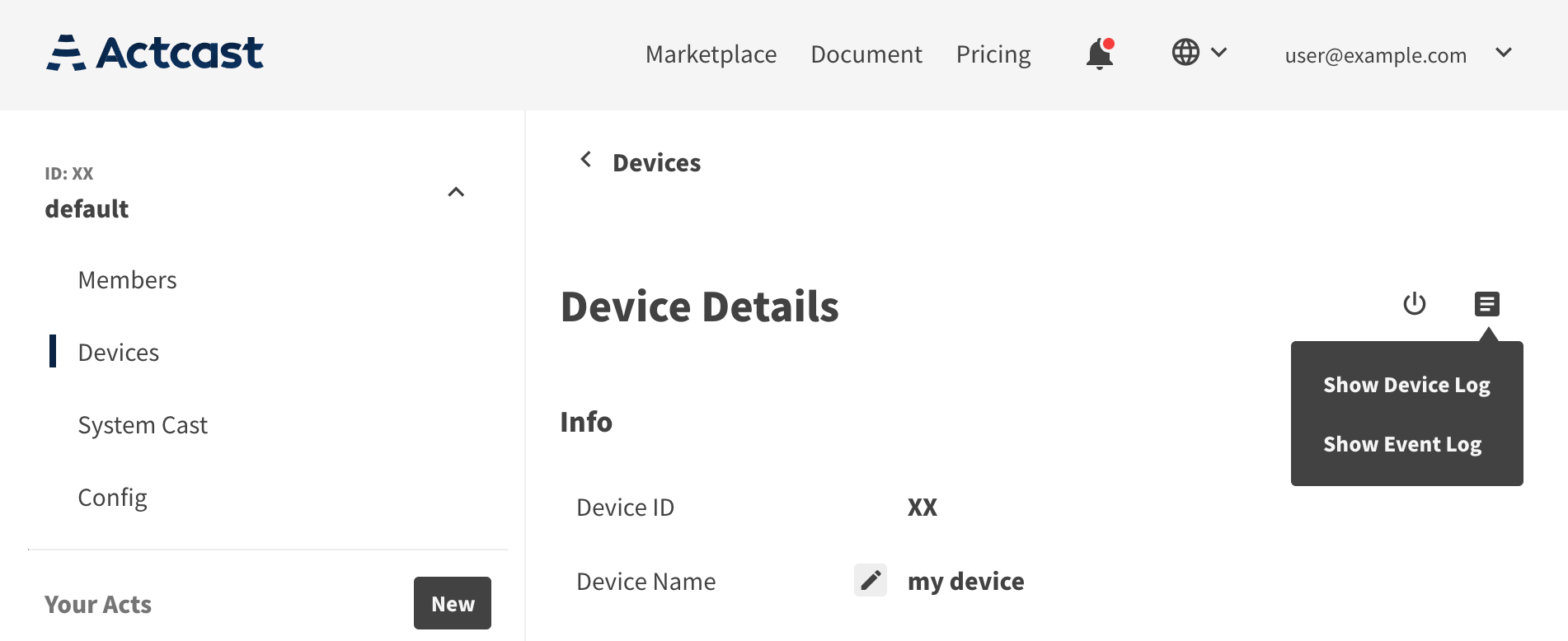
You can check logs by going from the group’s device list (Devices) page to individual device details (Device Details) page, and selecting (Show Device Log) from the icon in the upper right.
重要
If the device goes offline and fails to send logs, the logs are not recorded on Actcast.