Device Actions
Device Actions
Devices registered with Actcast can be operated from a remote location.
Method of operation
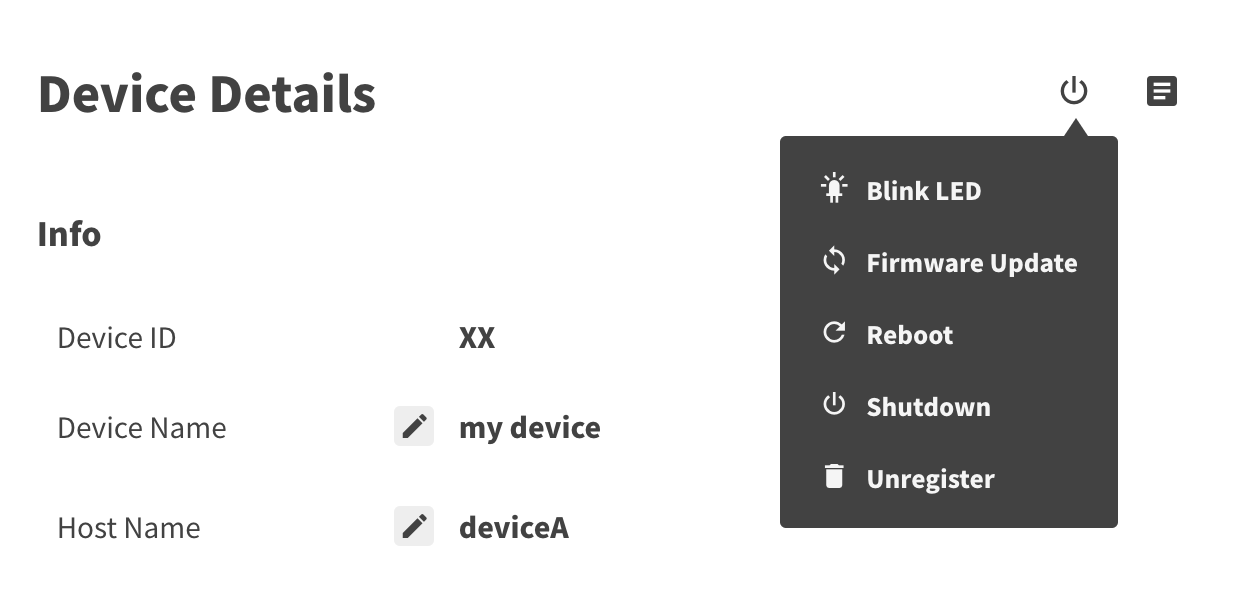
Operations can be done in the Device Details page of each device.
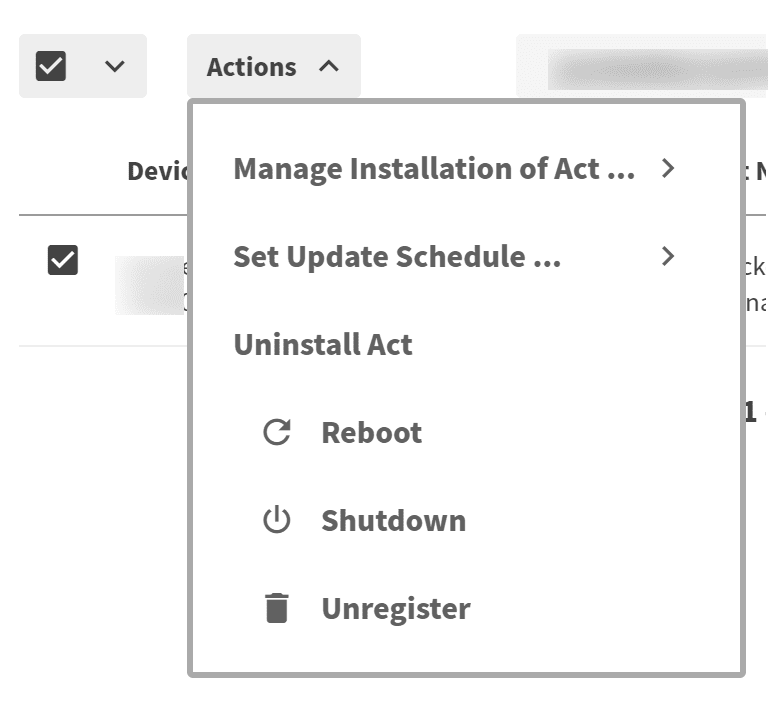
You can also operate from Actions menu by selecting devices on the Devices page.
Operation List
Blink LED- The LED on the devices will blink
Firmware Update- Update the firmware that runs on devices
Reboot- Reboot the devices
Shutdown- Shut down the devices
- Once shut down, you will not be able to boot the device from the Actcast service. Basically, please use the reboot operation.
Unregister- Unregister devices
- Once unregistered, you will need to set up the device again.
To protect the device system, rebooting / shutting down may take up to 10 minutes.
Last updated on